
How We Automated the Timecard Reminder That Wouldn’t Die
A full rebuild that spanned HR, Airtable, and Make — proving that real workflow design starts with one tired message.


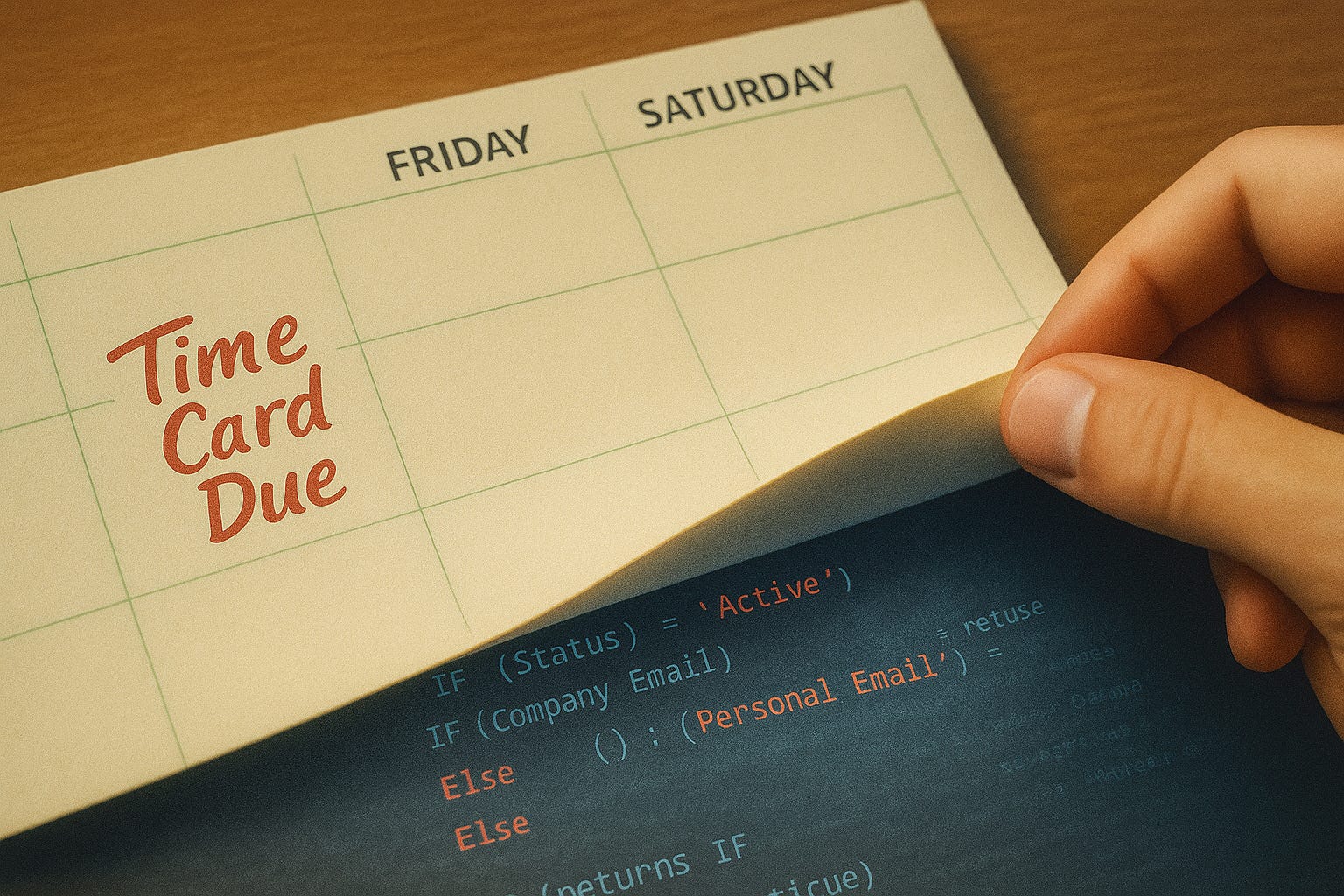
Each week in The Build Log_ , we show how operators design, build, and run systems — from architecture and workflows to the decisions behind them.
We came into a full-scale rebuild — a messy enterprise overhaul touching operations, logistics, data handling, scheduling, task tracking, ticketing, automation, Slack, on-prem security, and multiple IT environments.
It was the kind of infrastructure project where everyone knows something’s broken but nobody can quite define what.
That’s why real discovery isn’t a kickoff meeting. It’s listening for what’s missing.
One of the most useful things anyone said came from HR in passing, during a conversation about payroll.
“Oh honey, I sent my last timecard reminder already.”
That was it — not a complaint, but fatigue. She was done sending them manually. But the company still needed them.
That line became the foundation for a fully automated, dynamically scheduled, biweekly reminder system that’s still running three years later.
Before You Can Send an Email, You Need a Contact Sheet
Before there were reminder emails, there had to be someone to remind.
That sounds obvious — it wasn’t.
When we started the enterprise rebuild, we assumed the company already had a centralized contact sheet somewhere.
It didn’t.
There were fragments: a locked HR system we couldn’t touch, a production spreadsheet that was months out of date, and a string of emails across 20 people used as an address book.
No one could answer a basic question:
Who’s here right now, and how do we reach them?
That’s where we started.
From Contact Sheet to System Backbone
We needed something fast, accessible, and flexible enough to scale into other automations. So we built it in Airtable1. It wasn’t glamorous, but it was the only tool that gave us a database with an API, relational fields, and permissions — out of the box.
Why We Chose Airtable
We couldn’t afford to manage poorly-designed stock forms or build another front-end just to capture data. We needed a platform that could start collecting, connecting, and automating fast. Airtable gave us that. It’s a real database with structure, permissions, and a front end our teams could actually use.
We didn’t skip other tools because we were avoiding complexity — we skipped them to protect momentum. Every hour spent building a custom data layer would’ve delayed the automations that actually mattered. Airtable made data instantly available for downstream workflows while keeping it digestible for the people using it. That speed wasn’t just technical — it was psychological. When users see a live system responding right away, they trust the change faster.
Starting directly in Airtable meant we could evolve the automations in parallel without wasting time on infrastructure. It was the fastest path to something real — a backend with a digestible front end, and a foundation solid enough to grow from.
The first version was bare-bones:
Employee Airtable Schema
Everything started from there.
Preferred Email Logic
We needed a way to automatically choose the right email address for each person — their company email if they were still active, or their personal one if they’d finished out their contract and their company email had been deactivated. The goal was simple: make sure every message always reached the right inbox without anyone manually switching fields.
So, we wrote a simple Airtable formula that became the foundation of every workflow that followed:
IF(
   {Status} = “Active”,
   {Company Email},
   {Personal Email}
  )
That single field meant every downstream automation — reminders, reports, project notifications — always had the right email address.
It also respected security rules: messages to active staff stayed on company domains; notices to inactive staff went to personal ones once, then stopped.
Every send checks the employee’s status. If someone wrapped a show, it sends to their personal email once and thanks them. If they’re still active, it uses their business address.
Airtable handles it with a simple conditional:
It’s simple, but it guarantees delivery continuity — even through offboarding.
What started as a contact sheet turned into a lightweight personnel database. It powered every other system: timecard reminders, production scheduling, and even access control for on-prem assets.
Because it lived in Airtable, we could:
Filter by department, title, or show.
Pull live data via the API into Make.com.
Validate changes instantly without IT tickets.
That table became the backbone for the entire automation suite.
See our separate Contact Sheet Build Log_ entry for the deep dive on schema design and field relationships. Releasing soon.
Why This Step Matters
Everyone wants to jump straight to automation. But if your contact layer is wrong, every downstream system inherits that will also be wrong. Before you build any workflow, you need a single source of truth for who’s involved.
Once we had that, the rest — including the email reminders — could finally start.
HTML, Not Plain Text
We could’ve sent simple text emails. We didn’t. Because UI and UX design matter, even in internal systems.
UI and UX design aren’t optional — they determine comprehension, timing, and accuracy. Properly structured HTML emails reduce friction and error.
So we built HTML emails from day one.
The goal: make every reminder feel clean, readable, and impossible to miss. Every visual element served a function — structure, hierarchy, or accessibility.
The Template and the Design System
We started with a free GitHub email template2 — a simple, table-based layout. We stripped everything except what we needed, rebuilt spacing, typography, and structure.
We used Postdrop.io3 for render previews and early layout testing. We stored all graphics in Amazon S3, exported at 2× resolution for crisp Retina rendering. That means each image was rendered at twice its displayed size, but defined in HTML at the normal (1×) width and height. It’s an old-school approach — not the modern srcset way — but it works. And in internal systems, reliability beats elegance every time.
Every visual decision had a purpose — readability, not flash.
Color choices followed basic brand guidelines and accessibility contrast standards4; banners were bold, typography minimal.The design could survive desktop and mobile with no modification (for now).

Every layout decision had a reason:
